Virtual Tour
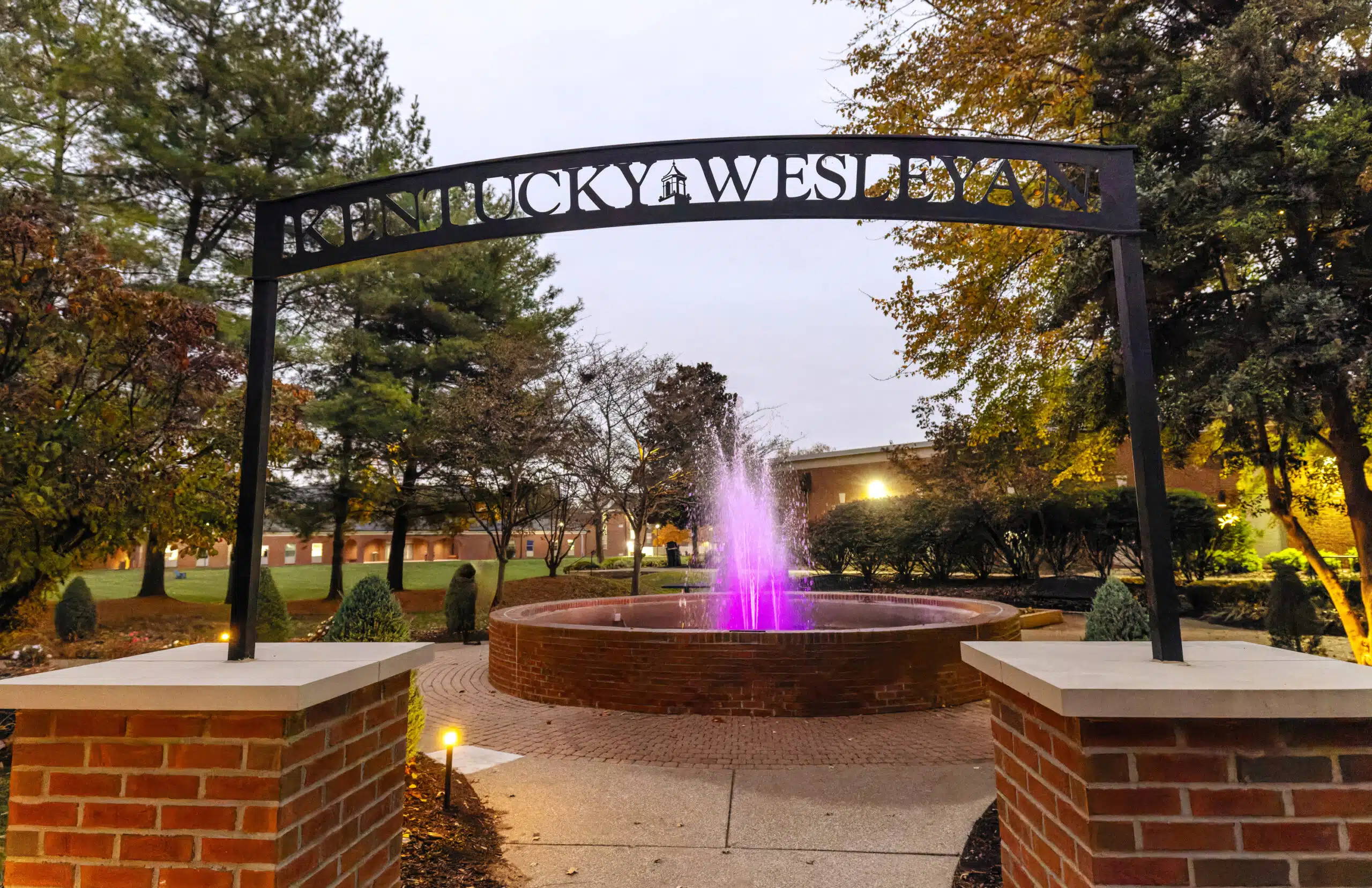
Experience Kentucky Wesleyan College through a fast, immersive virtual photo tour. Get a real feel for our welcoming community and discover why KWC is a standout choice for your college journey.
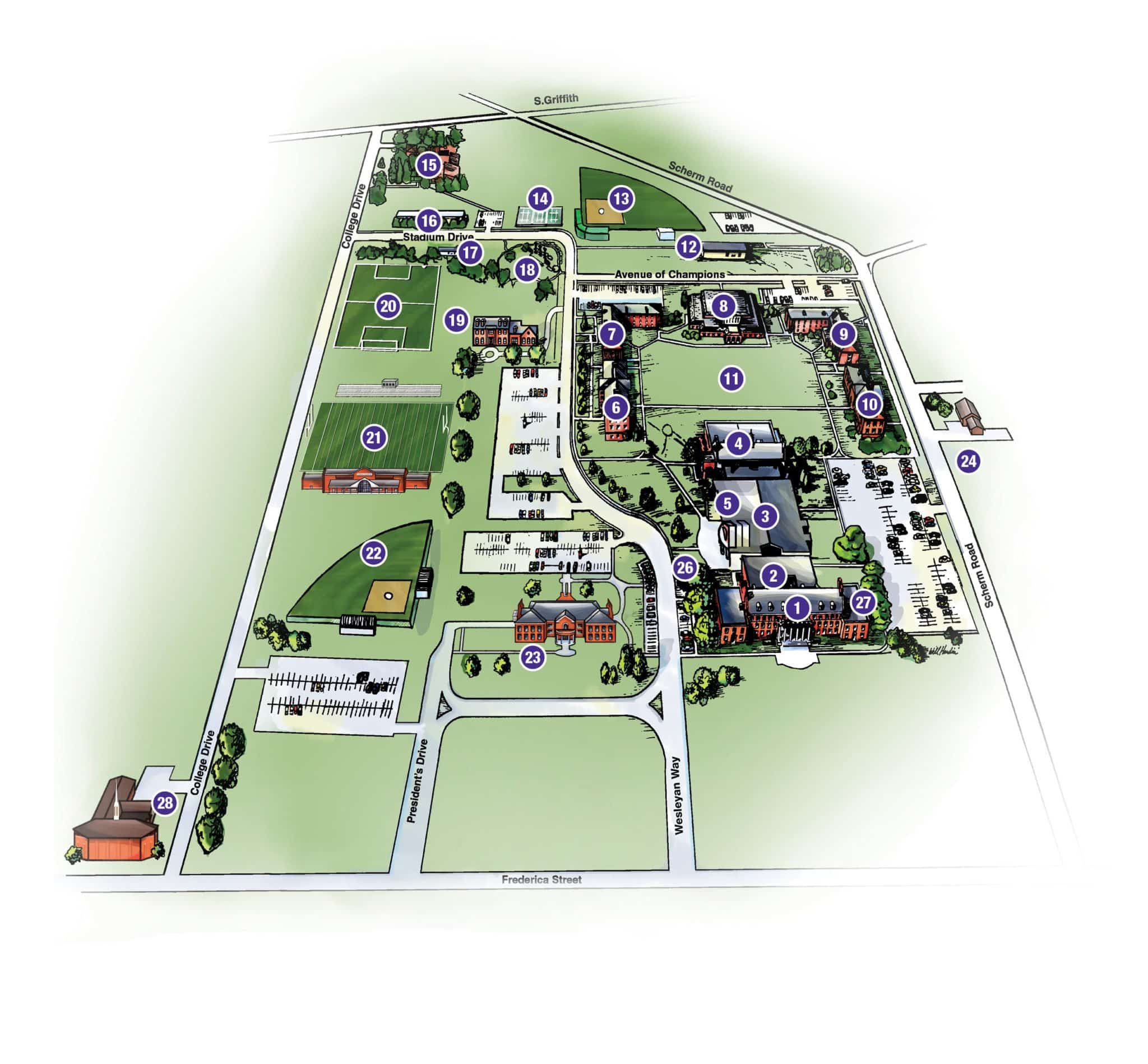
👆 Click a building on the map or browse the sidebar to explore campus locations
👆 Tap a building on the map or use the ☰ menu to explore
🔄 Drag on panoramas to look around • 📷 Tap photos to enlarge
How to Use the Virtual Tour
🗺️ Exploring the Map
Browse locations by category in the sidebar, or use the search bar to find a specific building. Click any building on the map to learn more.
🔄 360° Panoramas
Click and drag to look around. Scroll to zoom in and out. Click the fullscreen button for an immersive view.
📷 Photo Galleries
Click any photo to open it larger. Use the arrows to navigate between photos.
📱 Mobile Tips
Use the ☰ menu to browse locations. Swipe on panoramas to look around, and pinch to zoom.
🔒 Images not loading? Some browser privacy settings (like "Hide IP Address" in Safari) may block external images. Try disabling this setting or using a different browser.